
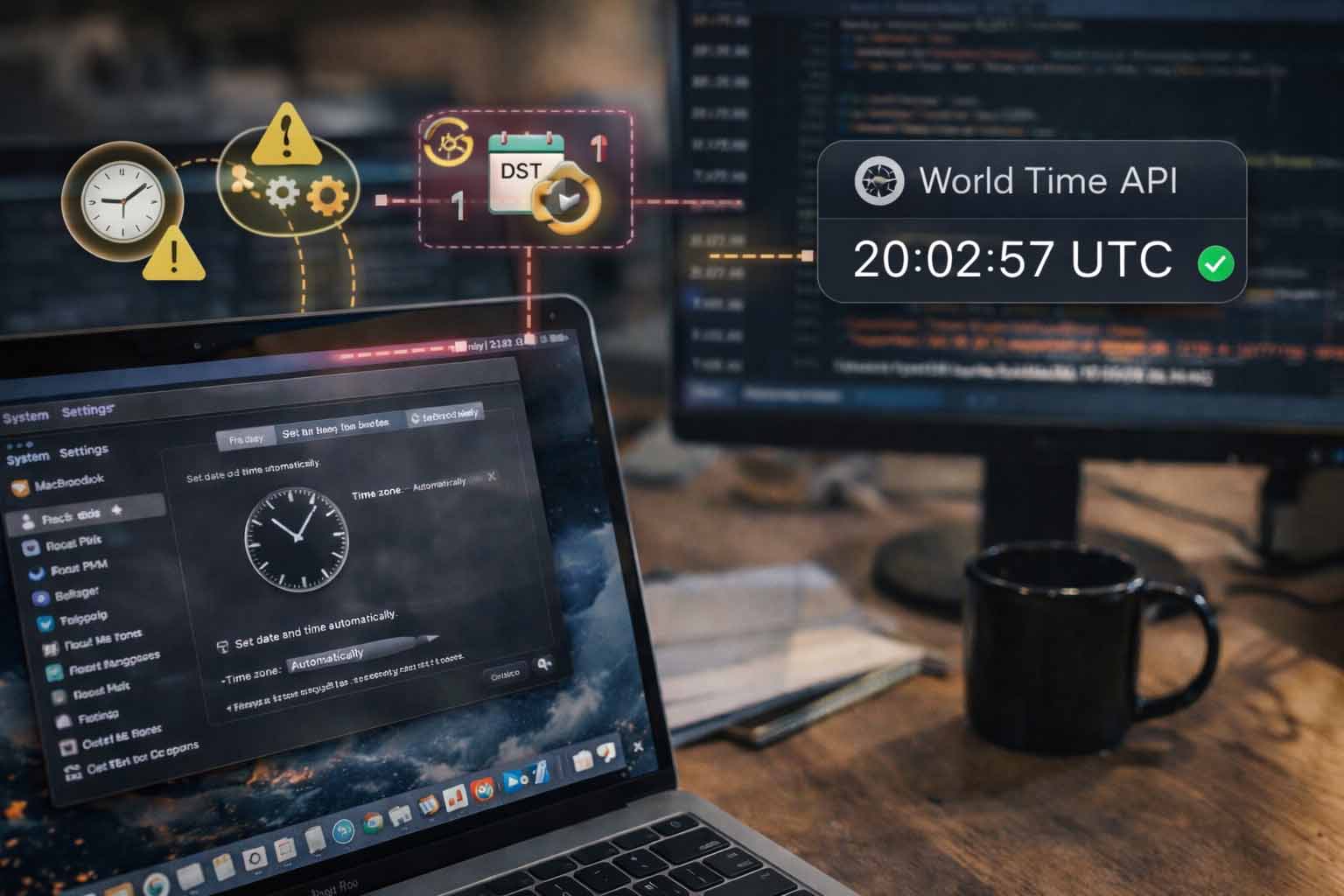
Why macOS Developers Should Rely on World Time APIs Instead of System Time
macOS developers tend to trust the system clock because it feels close, fast, and familiar. It lives inside every Mac. It updates quietly in the background. It usually looks correct. The problem is that local system time is not a stable foundation for modern software. Cross platform apps, distributed services, scheduled jobs, and shared logs all suffer when time is treated as a local detail rather than shared infrastructure.
Why system time quietly fails macOS software
System time on macOS feels reliable because it is managed by the operating system and synchronized with NTP servers. That sense of safety fades once software moves beyond a single machine. The moment an app talks to another service, schedules work across regions, or stores events for later analysis, local clocks become a liability.
Clock drift still happens. Sleep cycles, network interruptions, and manual changes all affect system time. Developers also forget that users can alter time zones, disable automatic updates, or restore backups that reset clock state. None of these actions look dramatic in isolation. They create subtle bugs that surface weeks later.
Clock drift is not theoretical
Even with NTP enabled, system clocks drift between sync intervals. That drift might be milliseconds or seconds. For UI displays, that is harmless. For distributed logging, token expiry, or job ordering, it creates confusion. Logs appear out of sequence. Requests seem to arrive before they were sent. Debugging becomes slower because timelines cannot be trusted.
DST rules change without warning
Daylight saving time rules are political decisions, not technical ones. Governments change them with little notice. macOS updates its time zone database, but only after users install updates. A machine that lags behind introduces one hour errors that ripple through reports, reminders, and scheduled tasks.
User locale settings add variability
macOS allows deep customization of locale, calendar, and region formats. Two users in the same city may see different interpretations of the same timestamp. Parsing and formatting mistakes creep in, especially when apps mix UI time with backend logic.
Why a shared time source changes everything
A World Time API acts as a neutral referee. It does not care about local preferences, sleep states, or manual adjustments. It returns a consistent timestamp anchored to global standards. That single property simplifies large parts of application logic.
Using World Time API early in a request lifecycle gives macOS apps a stable reference point. That timestamp can be attached to logs, used for scheduling, or compared across services without translation errors.
Consistency across platforms
Many macOS apps are no longer macOS only. They ship companion services on Linux, Windows, or cloud platforms. A shared time source removes assumptions about which machine is correct. Every component agrees on the same moment.
This approach fits well with common Mac workflows that already value clarity and order, such as careful system setup and maintenance. Developers who already care about system hygiene often apply similar discipline to time handling.
Practical macOS development scenarios that break without global time
Time bugs rarely announce themselves. They hide inside features that appear simple. The following scenarios are common pain points for macOS developers building modern tools.
| Problem | What breaks | Symptom | Better approach | How a World Time API helps |
|---|---|---|---|---|
| Distributed logs | Event ordering | Logs appear out of sequence | Attach global timestamps | Provides consistent ordering |
| Scheduled jobs | Execution timing | Jobs run early or late | Schedule against UTC | Removes local offset errors |
| Token expiration | Security checks | Unexpected logouts | Compare against shared time | Prevents clock skew failures |
| Cross region users | User events | Conflicting timestamps | Store canonical time | Normalizes user input |
| Analytics | Reports | Hourly gaps or overlaps | Aggregate in UTC | Aligns data windows |
| Backups and restores | Data integrity | Old events look new | Revalidate with API time | Anchors records correctly |
Fetching global time from macOS code
macOS developers often write in Swift, Objective C, or scripting languages that glue systems together. Fetching global time is straightforward and does not add meaningful latency when done correctly.
Example using Swift and URLSession
import Foundation

struct WorldTimeResponse: Decodable {
    let utc_datetime: String
}

let url = URL(string: "https://time.now/api/utc")!
let task = URLSession.shared.dataTask(with: url) { data, response, error in
    guard let data = data else { return }
    let decoder = JSONDecoder()
    if let result = try? decoder.decode(WorldTimeResponse.self, from: data) {
        print("Global UTC time:", result.utc_datetime)
    }
}
task.resume()
This pattern gives you a clean UTC timestamp that can be converted for display or stored directly. The key is that logic relies on the external value, not the local clock.
For developers managing their machines carefully, similar attention is often applied to system upkeep and configuration. Articles on macOS maintenance, such as guides on Time Machine backups, reflect the same mindset of reducing silent failures.
Using global time in scheduled tasks
macOS apps often rely on background tasks, cron style jobs, or launch agents. Scheduling against local time can cause drift during DST transitions.
let globalNow = Date(timeIntervalSince1970: fetchedUTCTimestamp)
let nextRun = Calendar(identifier: .gregorian)
    .date(byAdding: .hour, value: 1, to: globalNow)!
By basing calculations on global time, the schedule remains stable even as local offsets shift.
Cross language and cross platform considerations
macOS developers rarely work in isolation. Many Mac based teams also maintain backend services written in PHP, Python, or other languages. Time handling must remain consistent across that boundary.
A shared approach allows a Swift app on macOS to agree with a PHP service running elsewhere. Tutorials that show how to get World time in PHP highlight how easy this alignment can be.
Internal tooling often benefits as well. Command line utilities, scripts, and automation tasks gain predictability when they do not depend on the machine they happen to run on.
Error handling, retries, and fallback behavior
No external dependency should be treated as infallible. World time APIs are stable, but networks fail. macOS developers should plan graceful behavior.
- Cache the last known good timestamp briefly
- Set clear timeouts on requests
- Retry with backoff on transient errors
- Log when fallback paths activate
- Fail closed for security checks
- Avoid blocking UI threads
- Expose diagnostic signals for monitoring
A common pattern is to allow short lived fallback to system time while flagging the state internally. That keeps the app responsive without hiding the issue.
Testing time logic on macOS
Time dependent code is hard to test when it reads directly from the system clock. External time sources improve testability.
- Abstract time behind a protocol
- Inject a mock time provider
- Replay fixed timestamps
- Simulate DST transitions
- Test cross midnight boundaries
- Validate log ordering
- Assert token expiry behavior
This approach fits well with macOS development practices that already favor dependency injection and modular design.
Security basics for time based decisions
Time affects security more than many developers realize. Token lifetimes, certificate validation, and replay protection all depend on accurate clocks.
Using a shared time source reduces attack surface created by manipulated system clocks. It also simplifies audits, since timestamps are consistent across systems.
Authoritative guidance from institutions such as NIST time services shows how seriously time accuracy is treated at national and scientific levels. Software systems benefit from aligning with the same principles.
Designing macOS apps with time as infrastructure
The most reliable macOS software treats time like networking or storage, as shared infrastructure. Local clocks become a presentation detail, not a source of truth.
This mindset aligns with other Mac development best practices. Developers already isolate file access, network calls, and permissions. Time deserves the same treatment.
Building calmer systems by trusting the same clock
macOS developers value calm tools that behave predictably. Relying on system time undermines that goal in subtle ways. A shared world time source restores order across logs, schedules, and security checks. Start small, fetch global time once, pass it through your app, and observe how many edge cases disappear. If you want a stable reference, try using World Time API by Time.now as your external clock and build from there.